
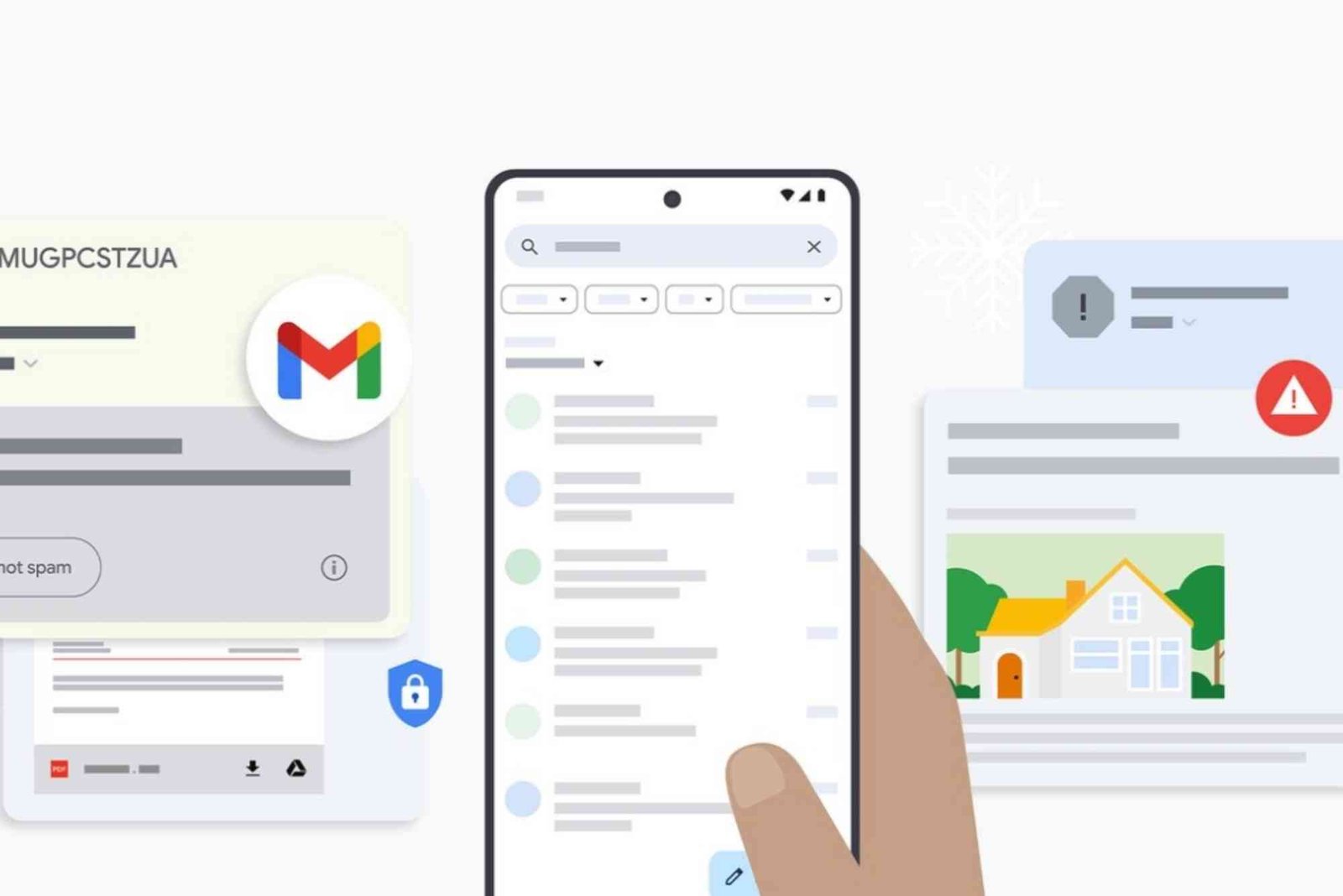
Introduction
Email has become a cornerstone of modern communication, both for personal and professional purposes. While email keeps us connected, it also exposes us to a range of online threats, particularly spam and phishing emails. These unwanted messages are not just irritating—they can compromise your personal information, financial data, and online security. Understanding how to avoid spam and phishing emails is crucial in today’s digital age. This guide provides actionable strategies to help you identify, prevent, and respond to these malicious emails.
Understanding Spam and Phishing Emails
Before learning how to avoid spam and phishing emails, it is important to understand what they are and how they operate. Spam emails are unsolicited messages, often sent in bulk, that advertise products or services. While some spam emails are harmless, others can carry malware, links to unsafe websites, or deceptive offers designed to steal sensitive information. Phishing emails, on the other hand, are specifically crafted to trick recipients into revealing personal data, such as passwords, banking details, or social security numbers. Phishing attacks often impersonate legitimate organizations, making them more dangerous and harder to detect.
Recognizing the difference between harmless spam and harmful phishing emails is the first step in staying safe. Phishing emails tend to create a sense of urgency, contain suspicious links or attachments, and often include spelling or grammar errors. Understanding these characteristics allows you to act cautiously rather than impulsively.
How to Recognize Suspicious Emails
One of the most effective ways to avoid spam and phishing emails is to develop an eye for suspicious signs. Pay attention to the sender’s address, as phishing emails often come from addresses that mimic legitimate organizations but contain slight variations. A company email should always match the official domain.
Next, examine the email’s content carefully. Phishing emails often use urgent language, asking you to act immediately to avoid account suspension or financial loss. They may request personal information, such as login credentials or credit card numbers, which reputable companies would never ask for via email. Hover over links before clicking to verify the URL. Often, these links redirect to fraudulent websites designed to steal your information.
Attachments are another warning sign. Unexpected attachments, especially those with .exe, .zip, or .scr file extensions, can contain malware or viruses. Avoid downloading or opening attachments from unknown senders.
Strengthen Your Email Security
Improving your email security settings is a practical way to reduce exposure to spam and phishing emails. Most email services provide built-in spam filters that automatically detect and move suspicious messages to the spam folder. Regularly review these settings to ensure they are optimized for your safety.
Enable two-factor authentication (2FA) for your email accounts. This extra layer of security requires a second form of verification, such as a text message or authentication app, whenever you log in. Even if a phishing attempt compromises your password, 2FA helps prevent unauthorized access.
Keep your email software and devices up to date. Developers release security patches to address vulnerabilities that hackers could exploit. Regular updates significantly reduce the risk of malicious emails successfully breaching your accounts.
Use Strong and Unique Passwords
A common way attackers gain access to email accounts is through weak or reused passwords. Creating strong, unique passwords for each account can prevent unauthorized access. Avoid using easily guessable information, such as birthdays or common words. Instead, combine uppercase and lowercase letters, numbers, and special characters. Password managers can help store complex passwords securely and reduce the temptation to reuse them across multiple accounts.
Be Cautious with Personal Information
Your email address is a valuable piece of information for spammers and phishers. Avoid sharing it publicly on social media, forums, or websites unless absolutely necessary. Consider using a secondary email address for online subscriptions, newsletters, or other non-essential services. This approach keeps your primary email more secure and less exposed to spam attacks.
When filling out forms or signing up for services, read privacy policies carefully. Some websites may sell your information to third parties, increasing the likelihood of receiving spam. Being selective about the platforms you share your email with reduces exposure to potential phishing attempts.
Educate Yourself About Common Phishing Tactics
Cybercriminals continually evolve their strategies to bypass security measures and trick users. Staying informed about common phishing tactics improves your ability to detect suspicious emails. Spear phishing is a targeted attack aimed at a specific individual or organization. These emails often contain personalized information, making them harder to identify. Business Email Compromise (BEC) scams involve attackers impersonating executives or employees to request fraudulent transactions. Recognizing these tactics can prevent costly mistakes and data breaches.
Social engineering is another technique used to manipulate recipients into revealing sensitive information. Phishers often exploit fear, curiosity, or urgency to prompt immediate action. Learning to pause and verify before responding is key to avoiding these traps.
Verify Before Clicking or Responding
A crucial step in avoiding spam and phishing emails is verification. If an email seems suspicious, contact the sender directly using official channels rather than replying to the message. Banks, government agencies, and reputable companies have official websites and phone numbers for verification.
Always double-check URLs before clicking. Phishers often create links that look legitimate at first glance but contain subtle differences, such as misspelled domain names. Using a link scanner or hovering over the link to view the actual address can prevent accidental visits to fraudulent sites.
Avoid downloading attachments unless you are certain of the sender’s identity. Even if the email appears to be from a trusted contact, confirm with them separately before opening files. Cybercriminals often compromise legitimate accounts to send malware-laden emails.
Implement Email Filtering and Security Tools
Several tools can enhance your protection against spam and phishing emails. Email clients often provide filters that automatically detect suspicious messages and prevent them from reaching your inbox. Advanced tools, such as anti-phishing software and browser extensions, can warn you about unsafe websites and detect potentially harmful links in real time.
Organizations can implement additional layers of email security, including Domain-based Message Authentication, Reporting, and Conformance (DMARC), Sender Policy Framework (SPF), and DomainKeys Identified Mail (DKIM). These protocols help verify the legitimacy of incoming emails and reduce the risk of phishing attacks.
Responding to Suspicious Emails
Even with precautions, suspicious emails may occasionally appear in your inbox. Avoid panicking and refrain from clicking any links or downloading attachments. Report the email to your email provider or IT department if applicable. This action helps prevent the spread of malicious content and assists in improving spam detection algorithms.
Delete suspicious emails after reporting them to avoid accidental interaction later. If you suspect your account has been compromised, change your password immediately and enable two-factor authentication. Regularly monitoring account activity allows you to detect unauthorized access quickly.
Educating Others
Helping friends, family, or colleagues understand how to avoid spam and phishing emails contributes to a safer digital environment for everyone. Share common warning signs, safe email practices, and tips for reporting suspicious emails. Educating less tech-savvy users is especially important, as they are often the easiest targets for cybercriminals.
Cybersecurity awareness programs or online resources can provide comprehensive guidance on email safety. Encouraging others to adopt strong passwords, enable two-factor authentication, and be cautious with personal information increases collective security.
Avoiding spam and phishing emails requires vigilance, knowledge, and proactive security measures. By understanding the characteristics of suspicious emails, strengthening your email security, using strong passwords, verifying before clicking, and educating others, you significantly reduce the risk of falling victim to online scams. Protecting your personal information and online accounts is not just about preventing inconvenience—it is about safeguarding your digital life.
Take action today: review your email security settings, enable two-factor authentication, and educate yourself about the latest phishing tactics. Staying informed and cautious ensures that your email remains a safe and productive tool rather than a potential threat.
Wearable technology, such as smartwatches and fitness trackers, is revolutionizing daily life by combining convenience with health insights. These devices monitor vital signs, track activity, and even provide reminders, helping users stay fit, connected, and informed. Beyond personal health, wearable tech enhances productivity and safety, making it a valuable tool in modern living. Explore more about Wearable Technology and Its Benefits.
FAQ
How can I identify phishing emails?
Phishing emails often create urgency, request sensitive information, or contain suspicious links and attachments. Always verify the sender and check URLs carefully.
What should I do if I accidentally clicked a phishing link?
Immediately disconnect from the internet, change your passwords, run antivirus scans, and notify your email provider or IT department.
Can spam emails be harmful?
While many spam emails are harmless advertisements, some contain malware, viruses, or phishing attempts. Avoid interacting with unknown senders.
Is two-factor authentication necessary?
Yes, two-factor authentication adds an extra layer of security, making it much harder for attackers to access your email even if they have your password.
How often should I update my email security settings?
Regularly review your email security settings and update passwords every few months. Enable security updates for your email client and devices to maintain protection.
